Describe it
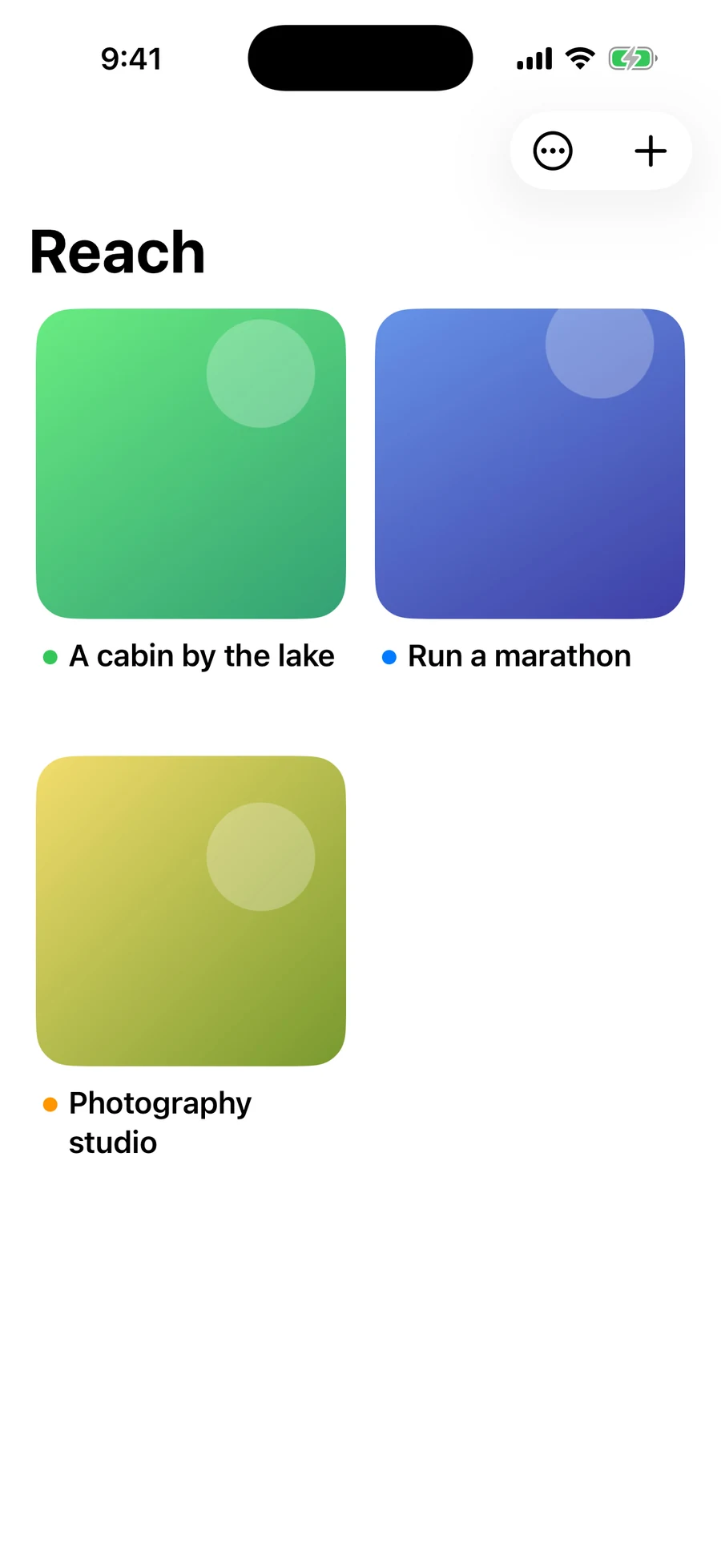
A reach is one specific thing you want. Give it a name, the details, the reasons you want it, the month you want it by, and photos of what it looks like once it’s real.
For iPhone
Reach is a vision board and a daily practice. Describe what you want, sit with it for a few minutes each day, and log the proof as it arrives.
Free for three reaches · Requires iOS 18
No streaks to keep up. No numbers to chase. Just the thing you want, held clearly enough that you notice it arriving.
A reach is one specific thing you want. Give it a name, the details, the reasons you want it, the month you want it by, and photos of what it looks like once it’s real.
Start the timer and picture it as already done. Two minutes or more marks the day on the calendar. The timer stays on your Lock Screen while you sit with it.
When something happens, write it down and add a photo if there is one. Keep one next step at a time, and get a reminder when it’s due.
Add the photos that show what it looks like once it’s real. They fill the reach behind everything else, and they’re the first thing you see when you open it.
Hold any reach on the home screen to hide it behind Face ID. Hidden reaches stay out of widgets and re-lock the moment you leave the app.
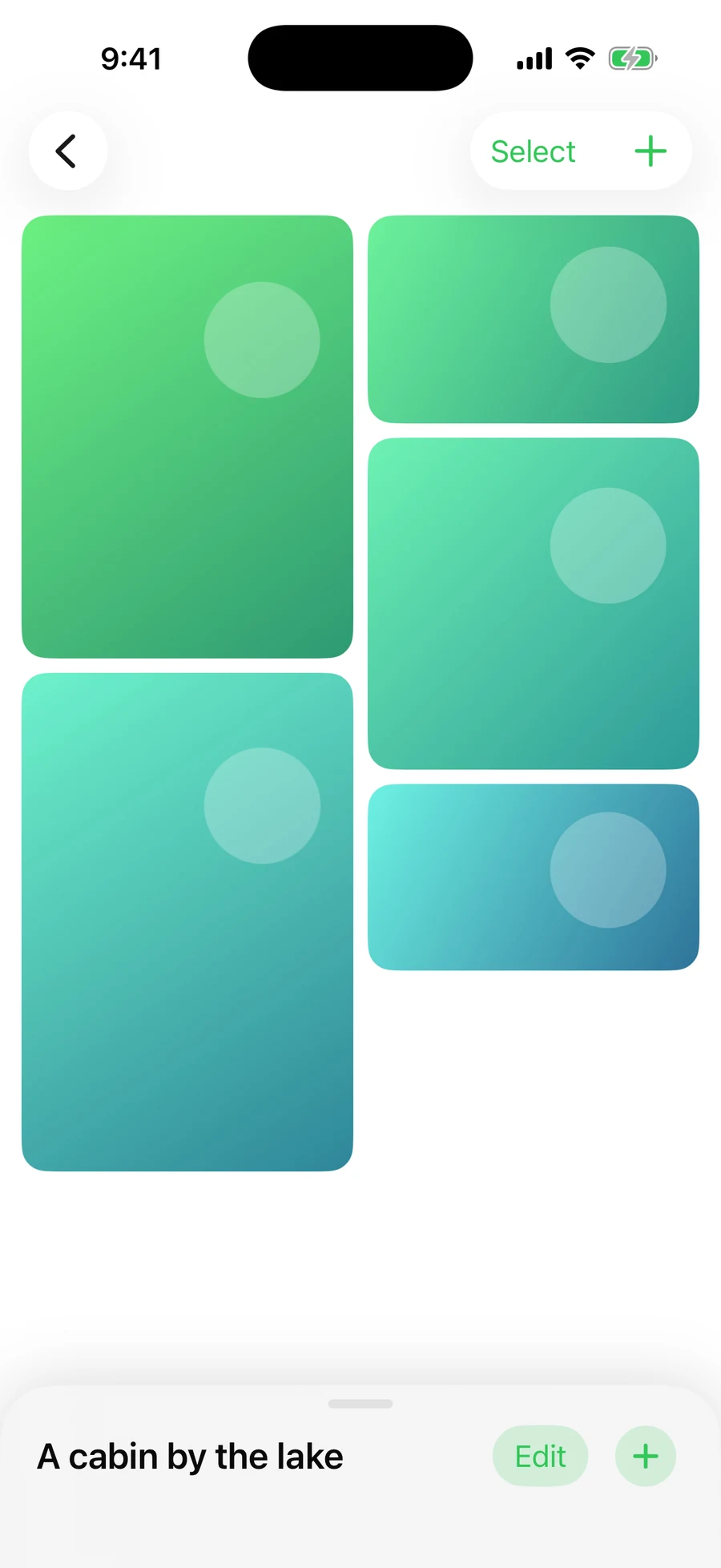
The timer is the whole practice. Sessions of two minutes or longer are logged to the reach’s calendar; anything shorter is simply not counted. Pausing stops the clock.
It runs on the Lock Screen and in the Dynamic Island, so you can close your eyes and put the phone down. You can mirror every session into Apple Health as Mindful Minutes, if you want to.
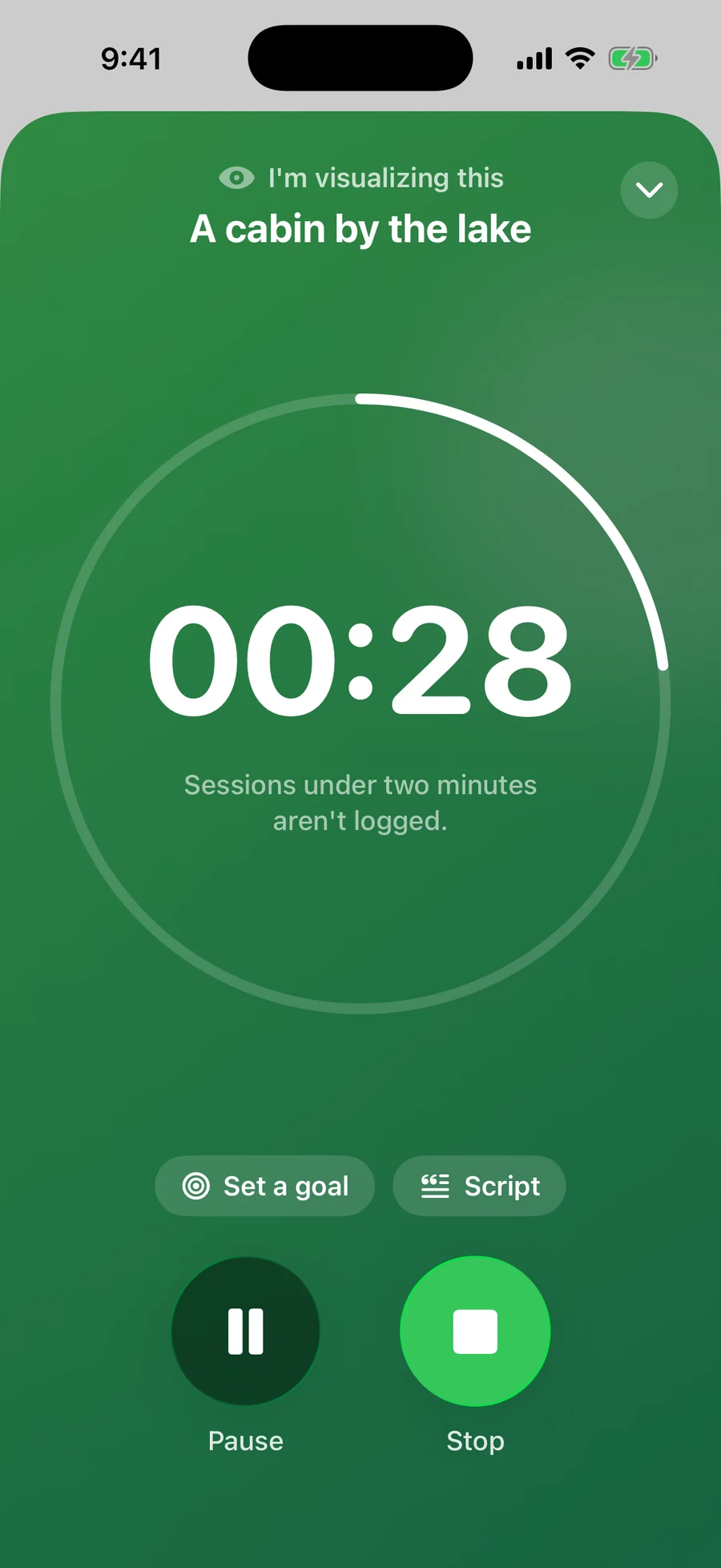
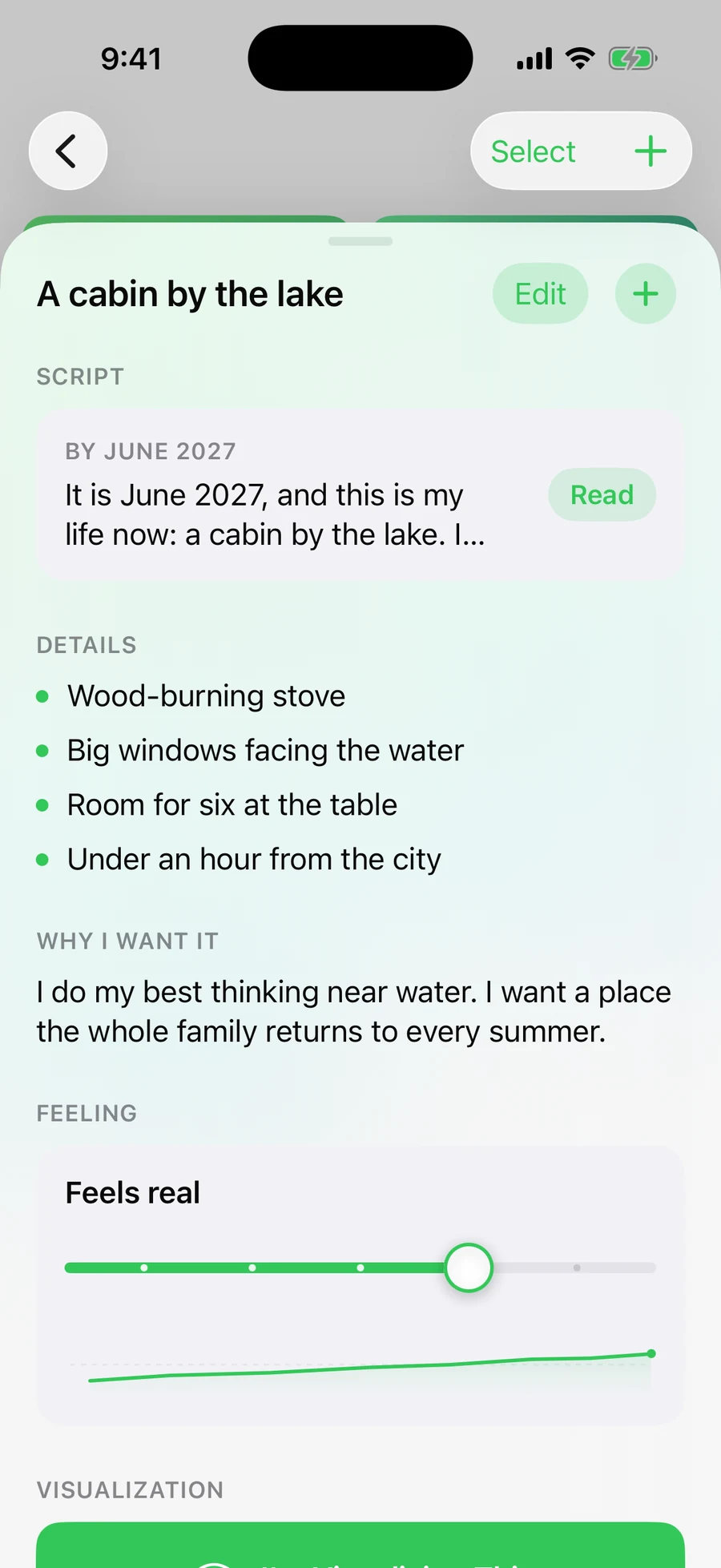
A script is one paragraph you read aloud, morning and night, written as though it has already happened. Write it yourself, or have a first draft written from what you’ve already put down.
It is June 2027, and this is my life now: a cabin by the lake. I stand at the window with a warm mug in my hands and watch the light move across the lake. From a script drafted in Reach
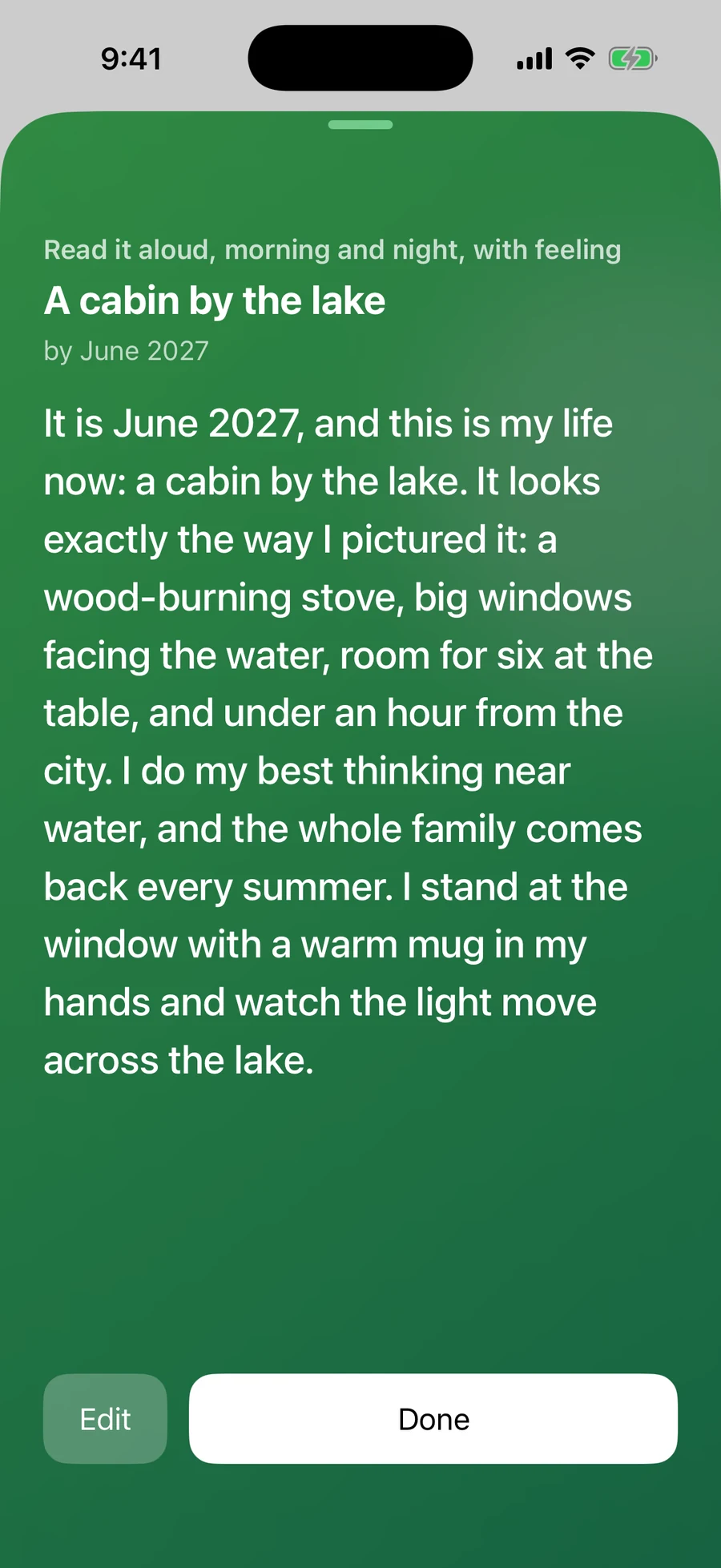
Pull up the drawer and it’s all there: the script, the details, why you want it, how real it feels today, and the calendar of the days you’ve visualized.
When the month you set arrives, Reach asks one question — has this happened? Say yes and it’s marked manifested. Extend it, or let it go. Nothing is ever deleted behind your back.
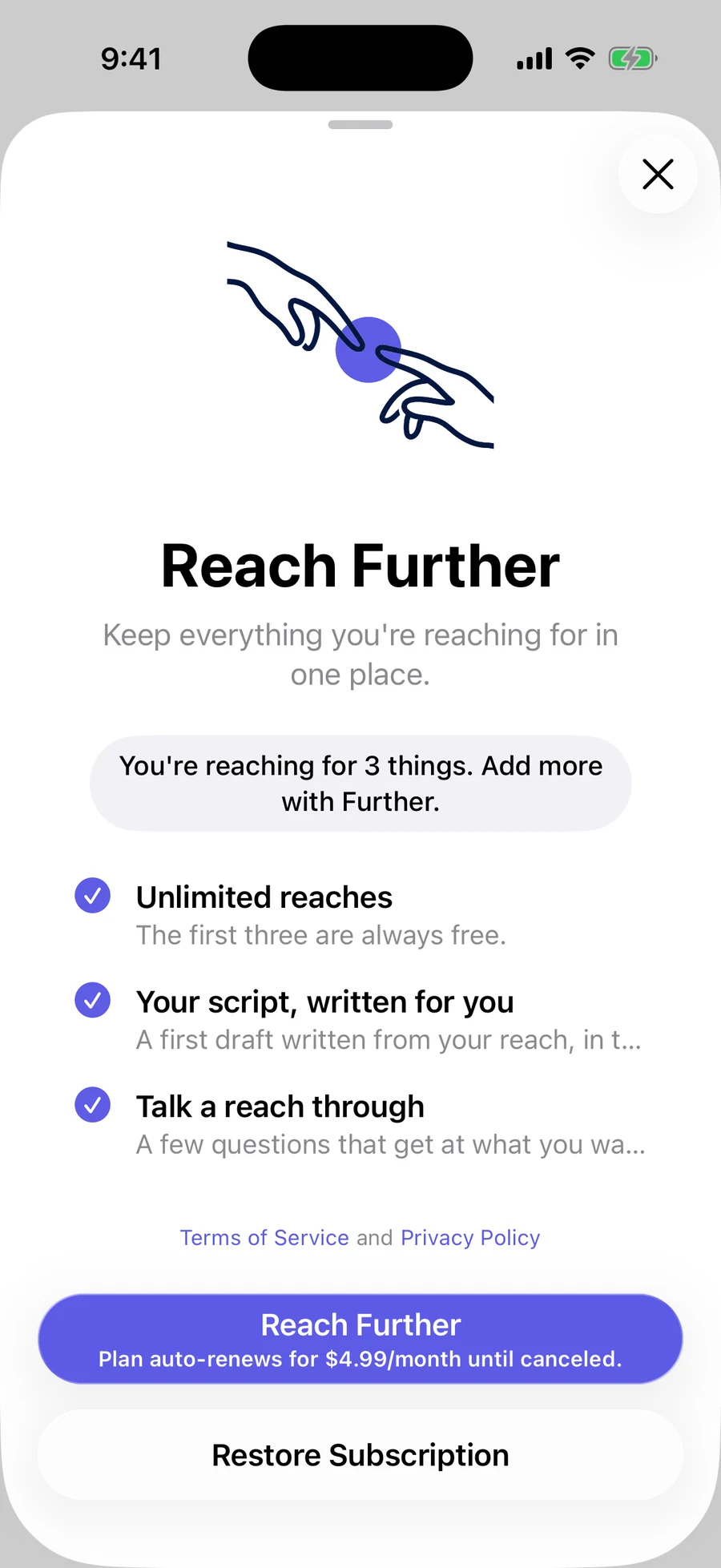
Three reaches are free. Further lifts the limit and adds the two features that do the writing with you.
$4.99 per month (US), auto-renewing. Your Apple Account is charged at confirmation and again within 24 hours before each renewal. Cancel any time in Settings, at least 24 hours before the period ends. If you cancel, nothing is deleted — your reaches stay exactly where they are.
Prices vary by region and are shown in the App Store before you confirm. Terms of Use · Privacy Policy
Small things that make the practice easier to keep.
Your board, the calendar, today’s focus, and your proof on the Home Screen and Lock Screen. Log a win or start visualizing from Control Center or the Action button.
Hide any reach behind Face ID, Touch ID, or your passcode. Hidden reaches never appear in widgets and re-lock when you leave the app.
When a reach happens, mark it manifested. When it stops mattering, let it go. Both keep it, with the reason you gave, and you can restore either one later.
Turn it on and every logged session is written to Health as Mindful Minutes, so it counts alongside everything else you do. Off until you ask for it.
Each reach holds a single next step with a due date. Reach reminds you when it’s due, and you can tick it off or push it a week without opening the app.
Move one slider to say how real a reach feels today. Reach charts those readings over thirty days, so you can watch the belief move before the thing does.
No account to create. No advertising or tracking. Your board lives on your iPhone and in the backups you control. Optional AI drafts send one reach’s words to OpenAI only with your permission. You can also export a file yourself or separately connect ChatGPT to an encrypted cloud copy of your selected text and visualization history. Photos stay on your device. The privacy policy explains retention and how to delete shared data.